Giving · No extra charge. Giving online: Stripe’s fee + 0.5%
Every gift recorded. Statements in minutes.
Keep your giving provider and bring its gifts in, or take gifts online on your church’s own page. Count cash and checks with two people, and send every household its year-end statement in a few clicks, in English or Spanish.
No extra charge for the records, the counting and the statements, and no monthly charge for giving online: of each gift online Stripe takes its fee and PraisePad 0.5%, and givers can add the fee so the church receives the full amount.
- Learn your part: Admin For the church's owners and admins
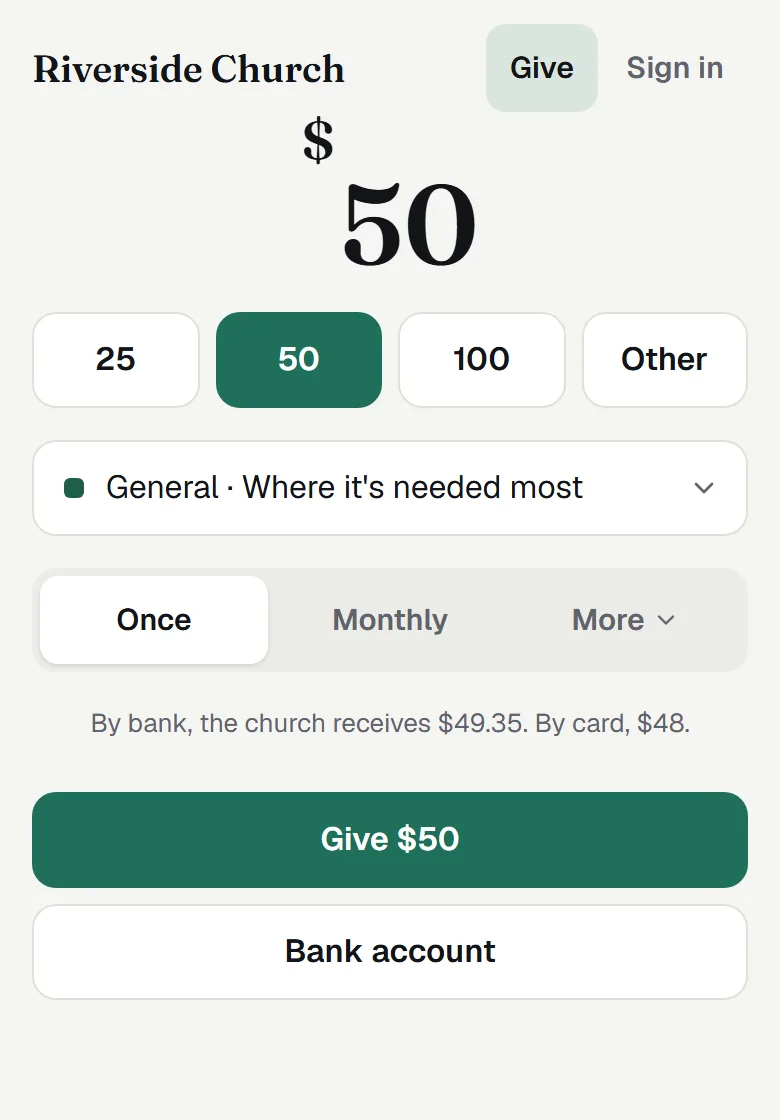
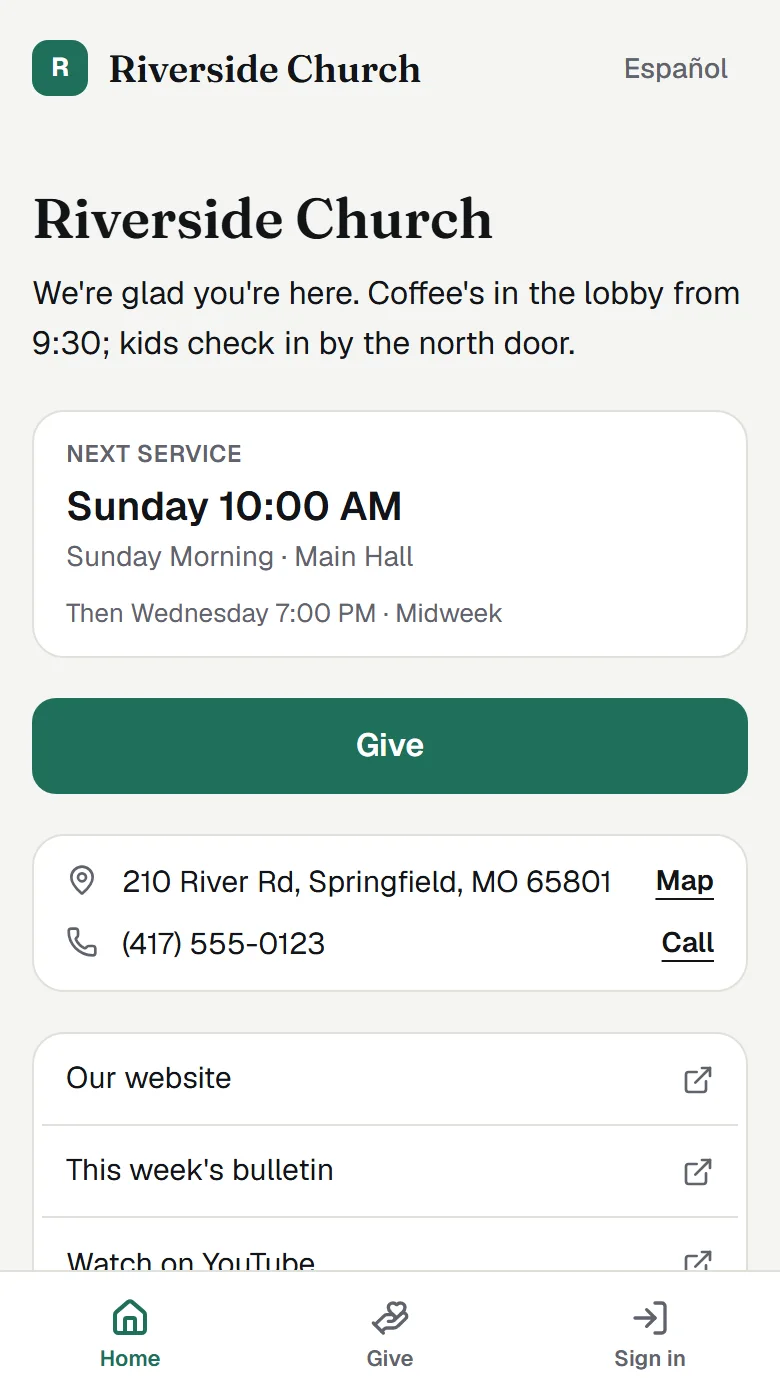
Keep your provider, or give here.
Planning Center Giving connects and its gifts arrive by themselves; files from Tithe.ly, Pushpay, Givelify, Subsplash, Vanco and PayPal come in with a total to check. Or connect Stripe once for your own give page: card, bank, Apple Pay and Google Pay, once or on a schedule.
Counted by two.
Counters count Sunday’s bills on a phone, even with no signal, a check photo fills the row, and a second person verifies from their own sign-in. Once a month matches the bank, lock it.
Names for the few, totals for the rest.
Giving managers see every gift and giver. Owners, admins and a finance committee see totals by fund against budget, with no names. Statements go to each household with the IRS wording, and files for QuickBooks and Aplos are ready when the bookkeeper asks.
What’s in it
- Your church's giving records in one place What Giving does, who sees what, and where to start: funds, gifts, batches, online giving, statements and reports.
- Take gifts online with PraisePad Giving Connect Stripe once: your own give page with card, bank and Apple Pay, monthly gifts, receipts, money to the bank.
- Bringing gifts in from your giving provider's file Export from Tithe.ly, Pushpay, Givelify, Subsplash, Vanco or PayPal, drop the file in, check the total, bring it in.
- Planning Center Giving: gifts that arrive by themselves Connect Planning Center Giving once: funds and gifts come in, then new and changed gifts as they happen.
- Counting a batch of cash and checks, with two counters Open a batch, enter each gift, match the deposit slip, and have a second person verify it from their own sign-in.
- Counting on a phone, offline, and reading checks from a photo Count bills with big steppers, keep going with no signal, and let a check photo fill the row for you to confirm.
- Sending year-end giving statements Check who's missing an email, write the pastor's note, preview each household, send a test, then send or print.
- The giving report, lists in words and the committee pack Totals by fund and month against budget and last year, lists of givers from your words, and a committee PDF.
- Exporting giving for QuickBooks, Aplos or a spreadsheet Deposits by fund with each fund's account and class, every gift as a spreadsheet, and the church export.
- Monthly gifts: who gives on a schedule, and what's failing Every recurring gift through PraisePad Giving, the failing ones with why, cards about to expire; pause or end one.
- Payouts: each deposit to the church's bank, with its gifts and fees Each deposit Stripe makes to the church, by fund, with the fees apart, refunds as minus lines, and a deposit file.
- Moving monthly givers from your old provider Bring in your provider's list of recurring gifts, send each giver a link with the gift filled in, see who moved.
- Who can see giving: managers, counters, viewers and two roles Only owners give Giving access. The levels, the two Giving roles, two-step sign-in, and Giving-only people.
- Giving and privacy: what's kept, for how long, and what AI sees Who sees names, statements only to givers, records kept your church's years, and AI never sees names or amounts.
Each opens its help article. Giving: every feature, on the Everything page
Questions
Do we have to stop using Tithe.ly or Planning Center?
No. Keep your giving provider and bring its gifts in from Planning Center or from its export file, or take gifts online here with PraisePad Giving, on the church’s own Stripe account.
From the help: Giving: your church's giving records in one place
What does giving online cost?
Stripe charges its processing fee (2.9% + 30¢ for cards; 2.2% + 30¢ once Stripe approves its nonprofit rate; about 0.8% for bank payments, capped), and PraisePad takes 0.5% of each gift. Givers can add the fee so the church receives the full amount. There’s no monthly charge.
From the help: Take gifts online with PraisePad Giving
Who sees who gave what?
Only the Giving managers an owner chooses, once their two-step code is entered. Owners, admins and a finance committee see totals with no names, and counters see the batch in front of them and nothing else.
From the help: Giving: your church's giving records in one place
Can statements go out in Spanish?
Yes. Households set to Español get the whole statement in Spanish, in a fixed wording a person has checked.
From the help: What a giving statement says, and why
Something else? Search the help centre, or ask Pad, PraisePad’s assistant, with the button at the corner of the page.
The rest of PraisePad
- Songs and the stage Every chart in every key, on an iPad or phone, even without Wi-Fi.
- Services and scheduling Sunday planned in minutes, and the right people asked once.
- Serve Every team on the schedule: greeters, ushers, parking, kids, tech.
- Present Slides from the service, every screen, the sermon from your notes.
- Kids & Check-In Check-in with codes and labels, rooms, paging, the family pass.
- Events and the calendar One calendar, sign-ups, tickets, check-in at the door, rooms booked.
- Your church’s site A cover photo, Plan a visit, sermons, Give and a chat, in English and Spanish.
- Everything in PraisePad All 145 things it does, by area, each with its help.
Try it with your own church.
Every new church starts with 14 days of Team 10’s features for up to 5 people, no card needed.